01
First choose the constraint
The ideas below are organised by setup and movement style so a parent can choose something that fits a rainy afternoon, apartment, after-school transition or short break between other activities.
Ask four questions before choosing the activity:
- How much floor space is clear?
- How much noise is acceptable?
- Does the child need high-energy movement or a calmer reset?
- How much setup can the adult realistically do?
This prevents the common mistake of selecting a “fun” activity that requires moving furniture, finding missing equipment or negotiating rules for longer than the activity itself.
05
Browser webcam games as an indoor option
A webcam game can add scoring and immediate feedback without adding physical controllers or equipment. It works best when the movement is chosen for the room rather than treated as a generic exercise solution.
Examples from MovePlay include:
- Whack A Mole for short reach-and-react turns;
- Bubble Match for contained one-hand pointing;
- Snake for palm-led control;
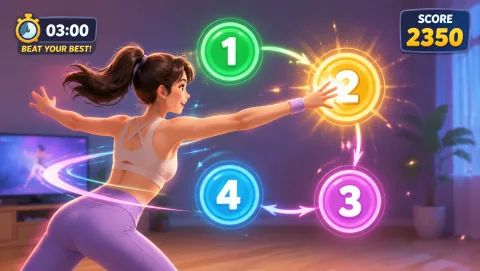
- Reaction for older children who understand the target order;
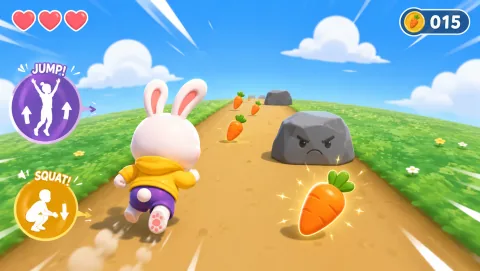
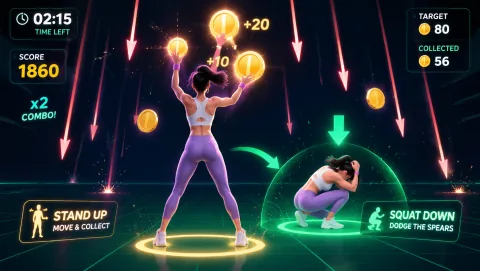
- Bunny Hop for rooms that genuinely have enough clearance for jumping and ducking.
Use the Games for Kids collection (/collections/games-for-kids/) for the maintained list, and read Are webcam games safe for kids? (/guides/webcam-games-for-kids) before the first camera session.