AI MOTION GAMING · PLAY IN BROWSER

Move Together

Your camera tracks your movement. Play directly in the browser.

See how it works
0 NO CONTROLLER OR CABLE
0 NO VIDEO UPLOAD
20s EASY START
30+ GAMES GROW
5+ CAMERA INPUT STYLES

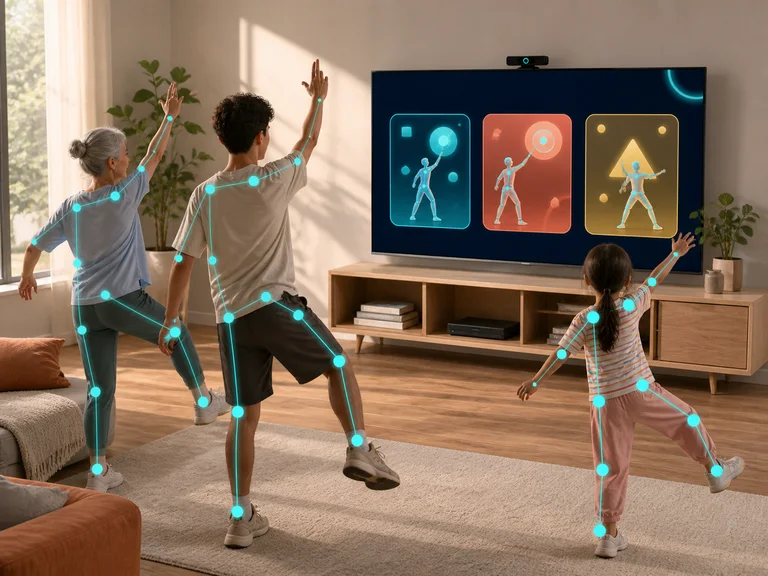
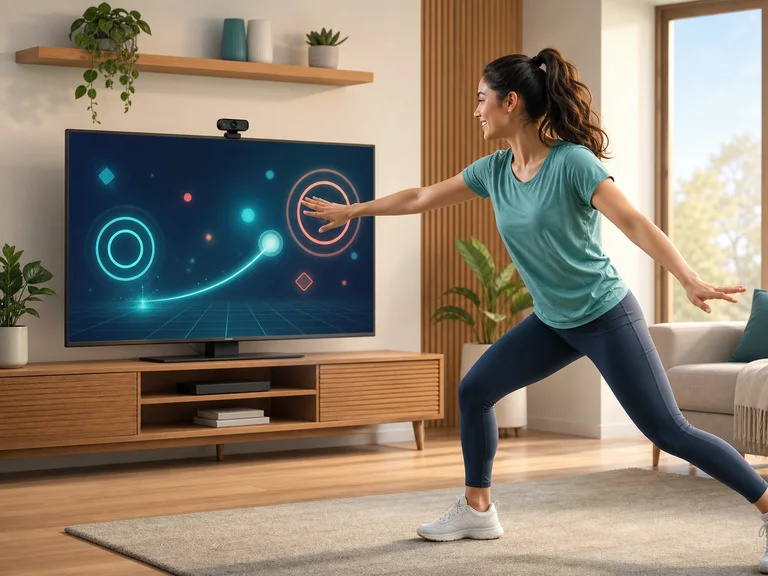
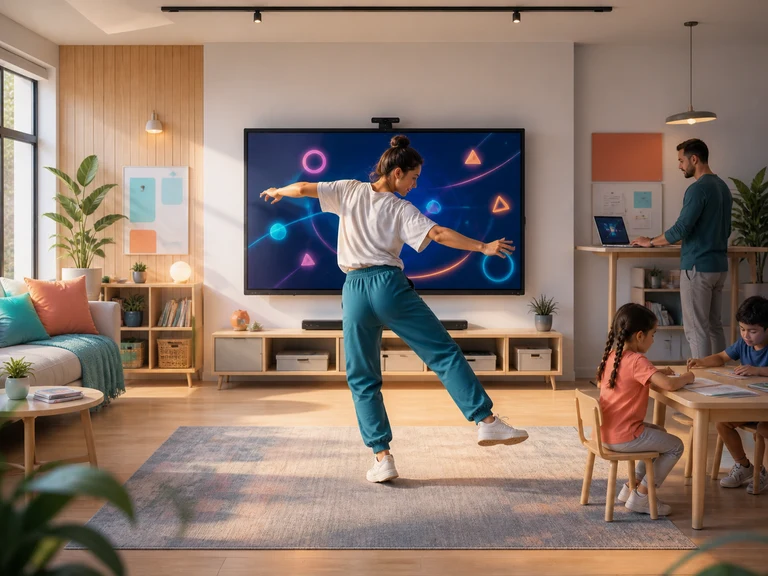
A family playing a body-tracked motion game together at home
BODY INPUTREADY
LIVE SESSION04:28
01Movement is the controller
01 / 04Family play

Play with your body.No controller needed.

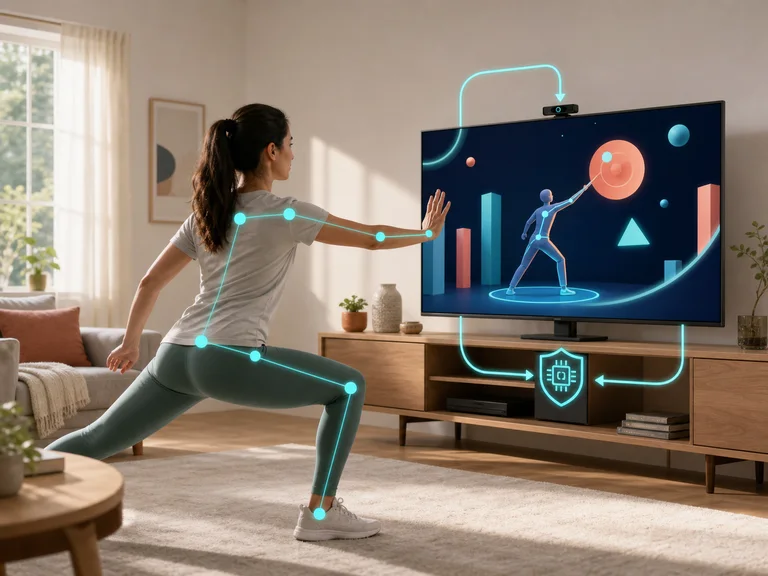
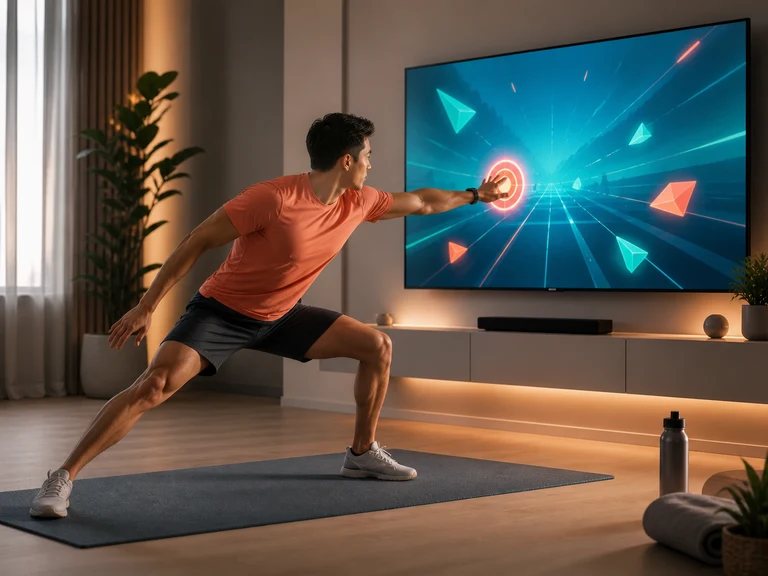
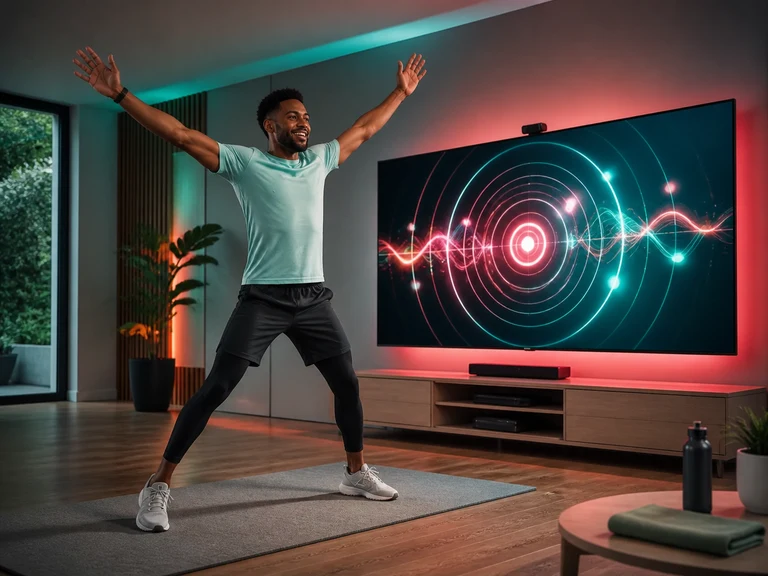
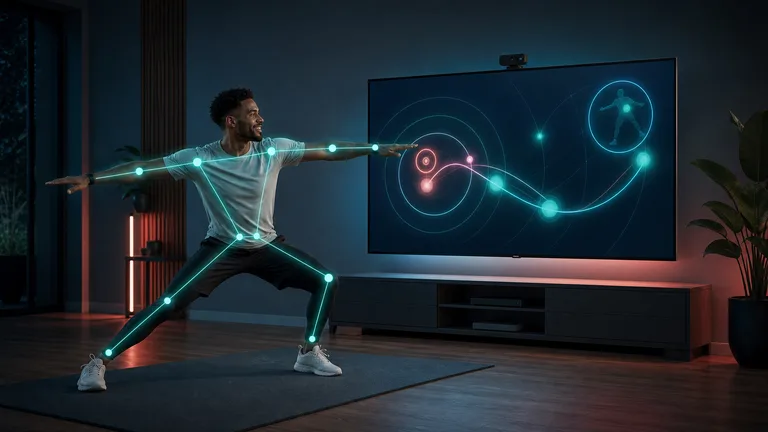
MovePlay is an AI-powered motion gaming platform that runs in your browser. Your camera reads your pose and turns body movement into game controls.

Camera input for movement tracking is processed on your device. Account, analytics and sharing data are separate; see our privacy policy.

Clear rules and choices for different ages and contexts, so everyone can choose a way to play that fits.

Game Library

From family brain games to full-on cardio, there's a way to play that gets you moving

Live motion games

Why MovePlay?

Family Fun

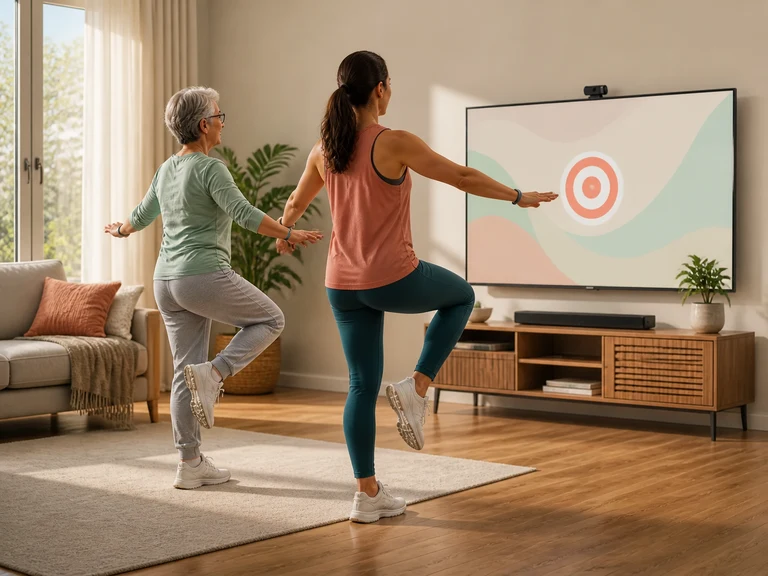
Designed for the whole family — from age 4 to 80, creating joyful movement memories together

Learn Through Play

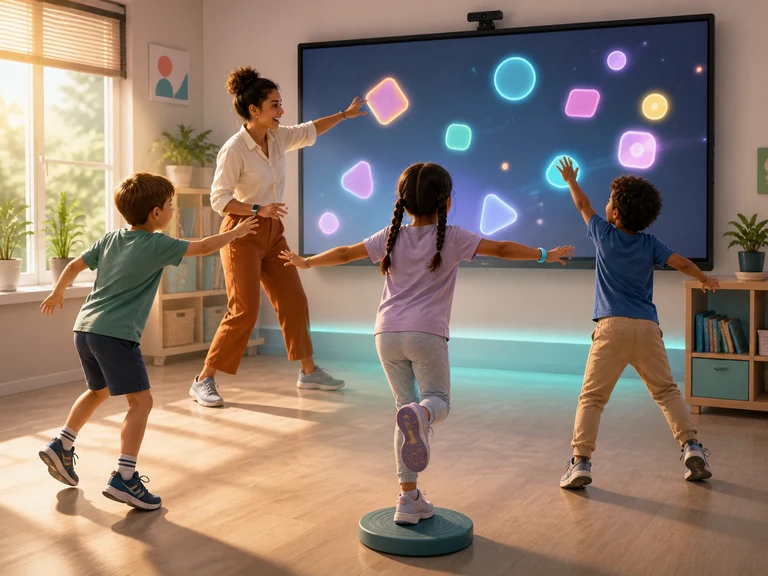
STEM, music, and language skills embedded in motion games — learning disguised as fun

AI Posture Coach

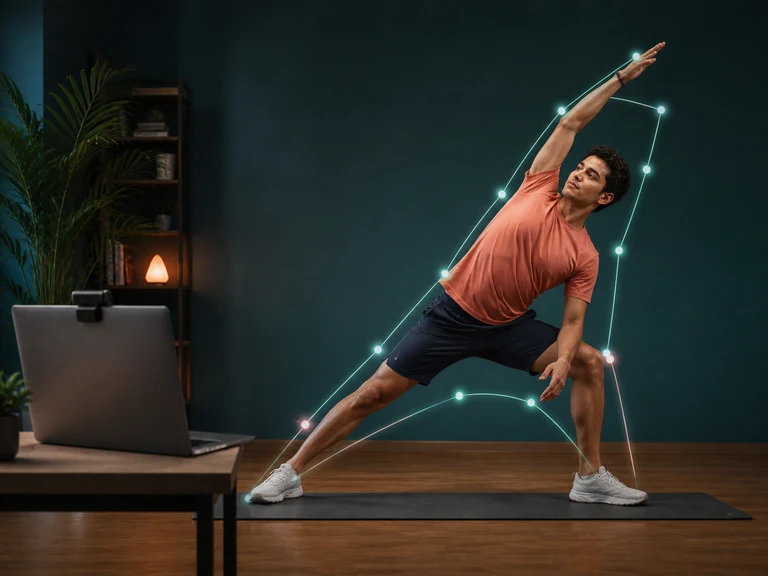
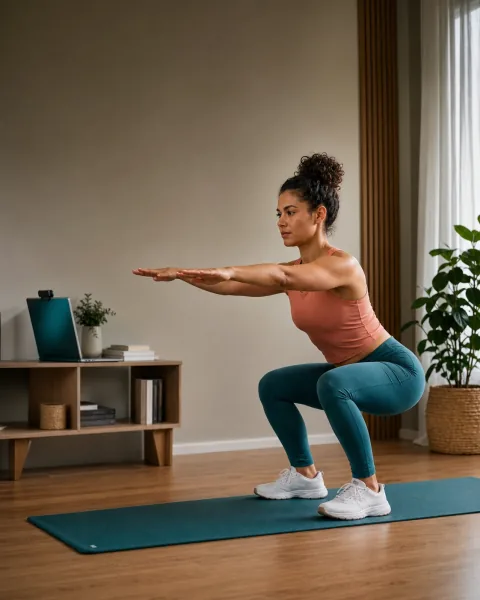
Real-time skeletal tracking with instant movement feedback and pose guidance — like a coach training alongside you.

Built for Movement

Games built around whole-body movement — with optional activity stats as you play

Family-Friendly Design

Self-paced intensity — kids and adults alike play at their own rhythm.

Zero Setup

Open in your browser, no install needed, ready in 20 seconds — play anywhere, anytime

More Than a Game
Your Movement Partner

Jumps, swings, squats, and side steps all become game commands through real-time tracking.

  • ✓ 3D Skeletal Joint Angle Analysis
  • ✓ Real-time movement feedback and guidance
  • ✓ Calorie & Workout Duration Tracking
  • ✓ Family-friendly, self-paced design
An adult performing a controlled bodyweight squat with a webcam coach
01 / 03LIVE MOTION CAPTURE
Full-body motionJumps, swings, squats, side-steps
Posture
Good
Kcal
4.2
Score 0
Combo ×1
Time 0:00

Start in three steps.

Choose where the game runs; connect the camera to that device.

Start now
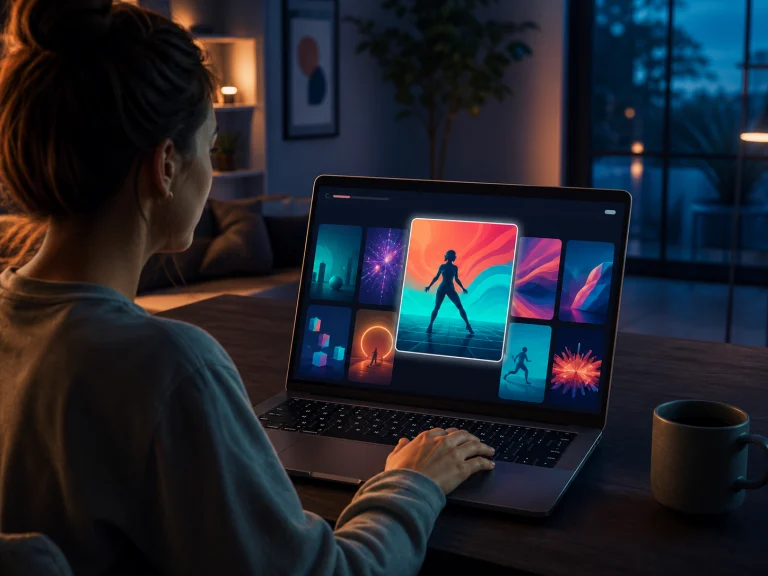
Choosing a motion game in the browser game library
01

Open a game

Choose any game from the library.

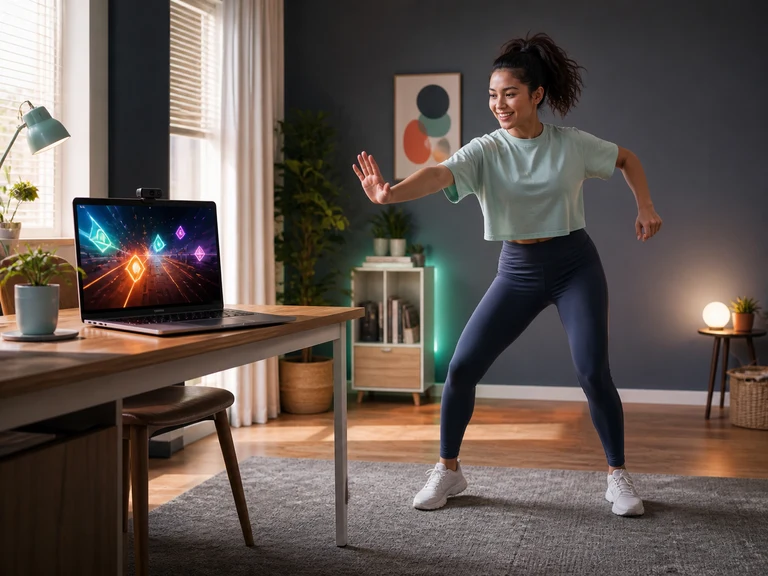
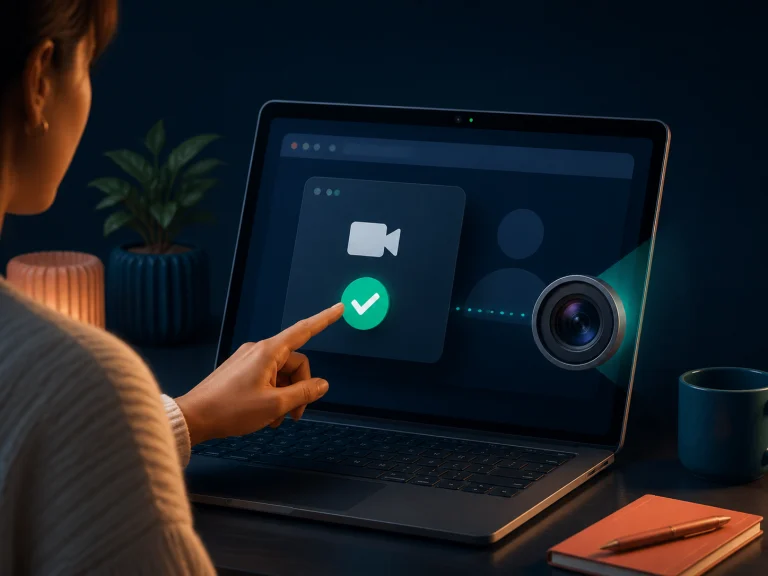
Allowing camera access on a laptop
02

Allow the camera

Give camera access to the device running the game.

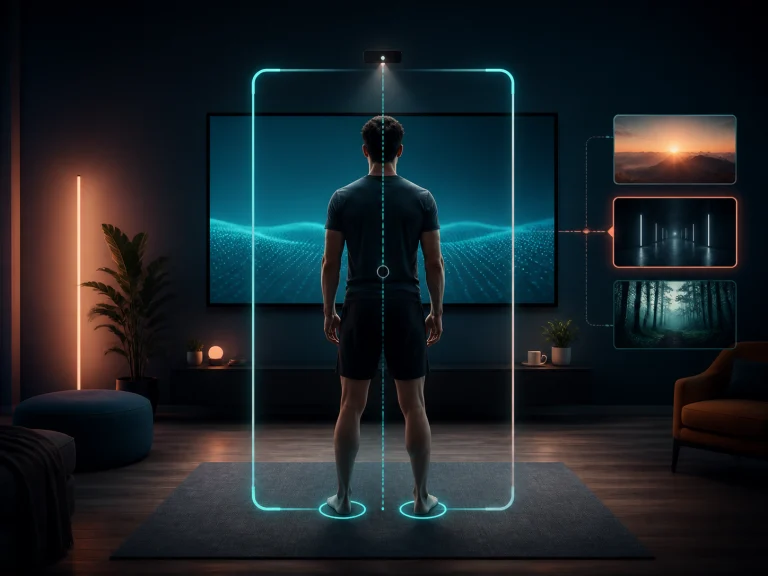
Standing in front of the screen, adjusting full-body position
03

Set your position

Keep your full body visible, then start moving.

Choose Your Plan

Start free. Upgrade when you’re ready.

Loading pricing…

Resources & Tools

Choose a game, use a tool, or check a guide to plan your next session.