Do webcam music games teach kids rhythm?
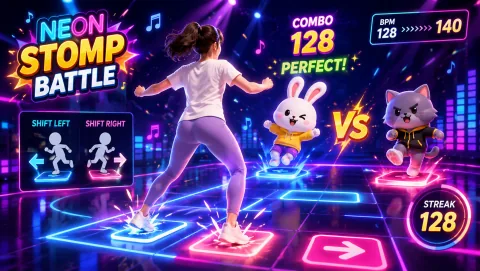
They are movement games with beat mechanics, not music lessons. Stepping in time with on-screen beat markers gives kids practice hearing a pulse and matching their bodies to it, which is the same raw timing skill dance and music teachers build on — but if your child wants to learn an instrument or formal dance, these games are an active warm-up for that, not a substitute.
What age works best for beat and freeze-dance games?
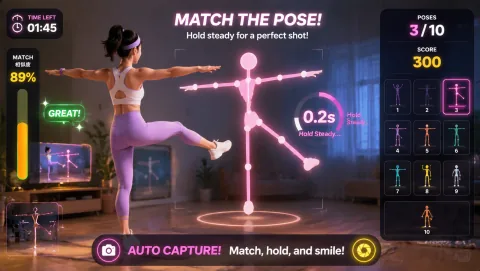
Freeze-dance rules land with kids as young as four, because the only skill needed is stopping when the music stops. On-beat stepping games suit roughly ages six and up, once kids can hold a steady tempo. Pose-matching with a short countdown works across the whole range — younger kids copy the big shape, older kids race the timer.
Do I need a dance mat, console, or special controller?
No. Everything runs in a regular web browser using the laptop's built-in webcam. There is no mat to buy, no console, no controllers to charge, and no account to create. Open the game page, allow camera access, and the floor space in front of the laptop becomes the dance floor.
How much space does a living-room dance session need?
A clear patch about two arm-spans wide is enough for one dancer. Push the coffee table back, mark the play spot with a cushion or tape so the webcam can see the whole body, and keep siblings who are waiting their turn behind a designated line. Side-stepping games travel a little wider than pose games, so give those an extra foot on each side.
Can I play my own music alongside the games?
Yes, and it works well for freeze-dance formats: run your own playlist from a speaker, pause it as the freeze signal, and let the pose game decide what shape everyone has to hold. For on-beat stepping games, the game's own beat drives the scoring, so lower your playlist and let the game audio lead.