Do I need a gaming PC to play webcam motion games?
No. Any Windows laptop or desktop from the last several years with a working camera can run browser-based motion games. There is nothing to install — the game and the pose tracking run inside a regular browser tab. You will get smoother tracking if you close heavy apps like video editors or game launchers first, but a dedicated GPU is not required.
Which browser works best for webcam games on Windows?
Chrome and Edge are the safest choices on Windows 10 and 11 — both handle camera access, hardware acceleration, and full-screen mode reliably. Whichever you pick, keep it updated, grant the camera permission when the site asks, and play in a single focused tab rather than one tab among thirty.
Is a built-in laptop webcam good enough?
For hand-tracking and seated games played at normal desk distance, yes — the built-in camera sees your hands and upper body fine. It struggles with full-body games, because a laptop screen sits too close for the camera to see you head to toe. An external USB webcam you can position a couple of meters away solves that for under the price of a pizza.
How far should I stand from the monitor?
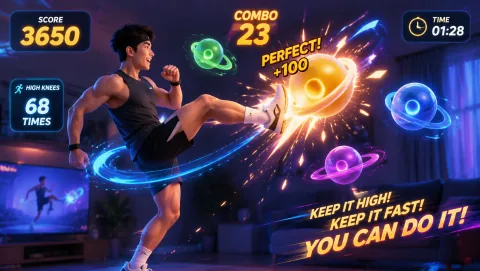
Full-body games like running, jumping, and kicking games need roughly 2 to 2.5 meters between you and the camera so your head and feet both stay in frame. Hand-only and head-movement games work at arm's length. If you cannot step back far enough in your room, angle the camera slightly downward and raise it to chest or head height — a wider slice of you fits in the frame.
Can I play webcam games on a TV connected to my PC?
Yes — run an HDMI cable from the PC to the TV, set the TV as your display, and place the webcam on top of or just below the TV so it faces the open floor. A big screen plus a big play area is the closest thing to a console experience without buying one. Our guide to playing webcam games on a TV covers the full setup.
Why does my webcam feed lag or stutter during games?
The usual culprits, in order: another app is holding the camera (Teams, Zoom, OBS), the browser tab is in the background so Windows throttles it, the room is backlit or dim so the camera drops its frame rate, or the webcam is plugged into an overloaded USB hub. Close camera apps, keep the game tab focused, light your face from the front, and plug external webcams directly into the PC.