Do webcam motion games teach sight words?
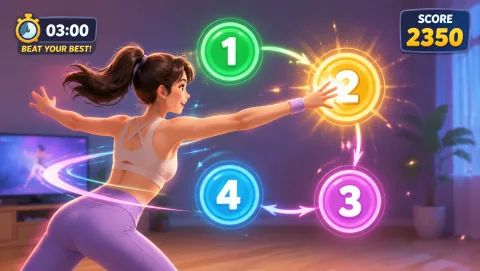
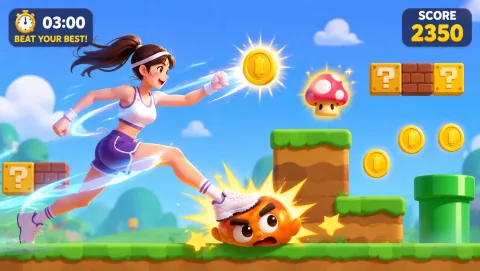
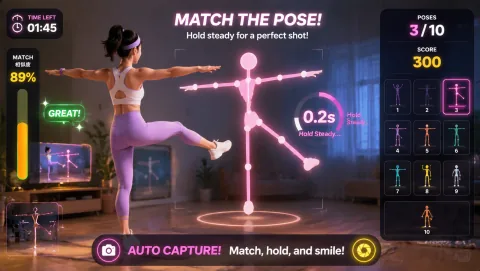
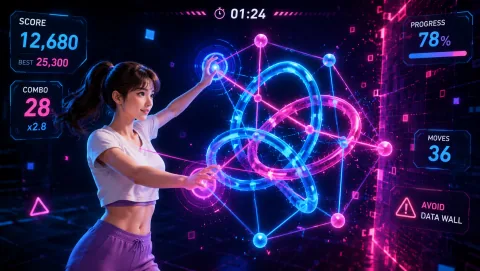
No, and it is worth being plain about that. MovePlay games are reflex and fitness games — they do not display word lists, quiz reading, or replace phonics instruction. What they do well is give a wiggly 6-year-old a structured movement burst between practice sets, so the next round of flash cards starts with a settled, attentive kid instead of a squirming one. The sight word teaching stays with your word list, your cards, and your voice.
How long should a sight word movement session be?
For kindergarten through second grade, 12 to 15 minutes is the sweet spot: two short practice blocks of 5 to 6 minutes each, separated by a 60 to 90 second movement burst. Attention for flash-card work in this age group drops off steeply after about 6 minutes, so two smaller blocks beat one long one. End while the child is still succeeding, not after they start guessing.
What if my child can't read the word during a word-call game?
Say the word yourself, have them repeat it, and let them do the movement anyway. In word-call formats the movement is the reward, not the test — blocking it turns practice into a pass/fail drill and K-2 kids shut down fast. Note the missed word, put it back in the deck two cards later, and try again. Repetition in a low-stakes format is what builds automatic recognition.
How many sight words should I use per session?
Five to eight words per session works for most K-2 kids: three or four they already know (for confidence and quick wins) plus two to four new or shaky ones. Known words keep the success rate high, which keeps the child willing. Retire a word after the child reads it instantly on three separate days, and bring a new one in from your list.
Do I need special equipment for these activities?
For the flash-card and word-call formats: index cards, a marker, and a clear patch of floor. For the webcam movement bursts: any laptop with a camera and a browser — MovePlay's games are free, need no download, and need no accounts, which matters when a 6-year-old is waiting. A projector or TV connection is nice for group settings but not required.