Do webcam memory games actually improve a child's memory?
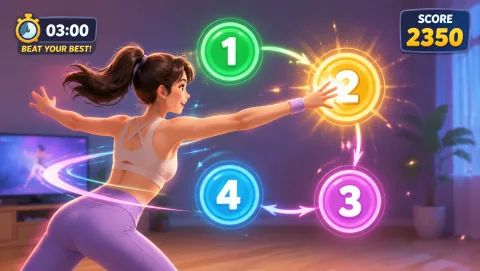
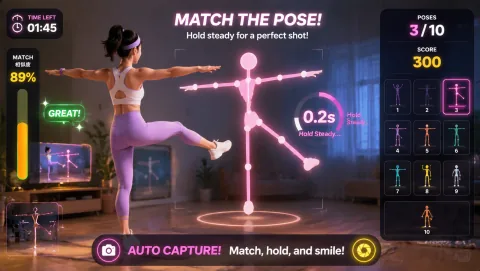
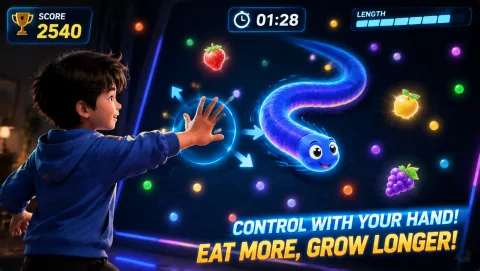
Honest answer: MovePlay games are reflex, fitness, and fun games, not memory training programs, and nobody should promise they raise test scores or treat attention difficulties. What they do well is fold order, position, and inhibition into fast physical play — a kid slapping numbered targets in sequence is holding that order in mind while their body moves. Treat memory-and-movement sessions as active play and as breaks between practice, not as a replacement for it.
What age works best for memory-and-movement play?
Ages 6 to 12 are the sweet spot. Younger kids (6–8) do best with short chains of 3 to 4 body moves and big, obvious actions like jumps, squats, and arm reaches. Older kids (9–12) can handle longer chains, dual-task rules like recalling a word list mid-round, and the faster webcam reflex games. Under 6, keep it to simple copy-me play with one or two moves at a time.
Do the games need a download, account, or special equipment?
No. All MovePlay games run free in the browser with nothing to download and no signup — a laptop with a webcam and a clear patch of floor is the whole setup. Chromebooks work too, which makes the games easy to run at grandma's house or on a school machine.
Can two kids play memory games together on one camera?
Yes, and taking turns is a feature, not a compromise. One kid plays the webcam round while the other acts as the memory caller — reading out the sequence to repeat, keeping score, or checking the recall list after the round. Swap roles every round. The caller job keeps the waiting kid mentally engaged instead of drifting off.
How long should a memory-and-movement session last?
Ten to fifteen minutes is plenty. A good arc is 3 minutes of a warm-up chain game, 6 to 8 minutes of webcam rounds with a dual-task rule, and 2 minutes of calm recall at the end. Short daily sessions beat one long weekend marathon — the routine is what makes kids ask for it again.