Does MovePlay work on school Chromebooks?
Yes. MovePlay runs entirely in the browser using standard WebRTC webcam APIs — no Chrome extensions, no apps, no administrator permissions required. If your Chromebooks can access a standard website and use the camera for video calls, MovePlay works.
Do students need individual accounts?
No. MovePlay requires zero accounts — for teachers or students. Navigate to the game URL, allow camera access, and play. This also means there's no student data to manage or protect. Students can use the same URL at home on any device with a webcam.
How does real body tracking differ from following a video?
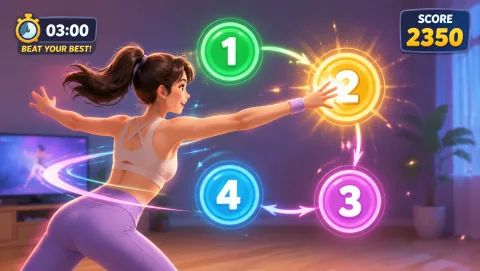
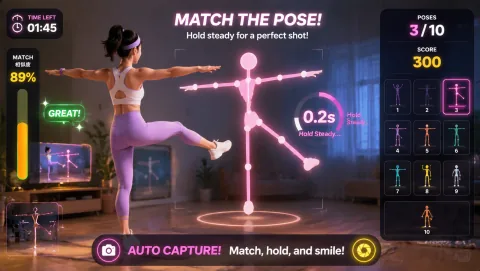
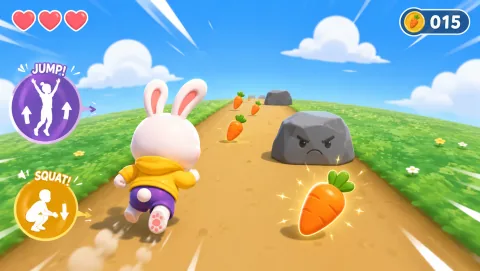
Video programs stream pre-recorded clips — the software plays the video regardless of what students do. MovePlay's camera-based tracking responds to visible movement in real time. If a student jumps, their avatar jumps. If they stand still, their score reflects that. The game actively responds to movement rather than playing passively alongside it.
Is MovePlay free for classroom use?
Yes — games in the available library are free to play with no ads on the gameplay screen. Teachers and students can use MovePlay without a paid plan. Visit /store/#pricing for details on optional school licenses with additional features.
How do I run MovePlay with a whole class at once?
Project MovePlay on your classroom screen and run a single "class session" — all students watch one game projected on the board and take turns in groups, or each student runs it on their own Chromebook simultaneously. The most common whole-class approach: project one game, call students up in pairs or small groups while others cheer. 3-minute rotation can be a good fit for a 15-minute break.