Printable session-plan collection
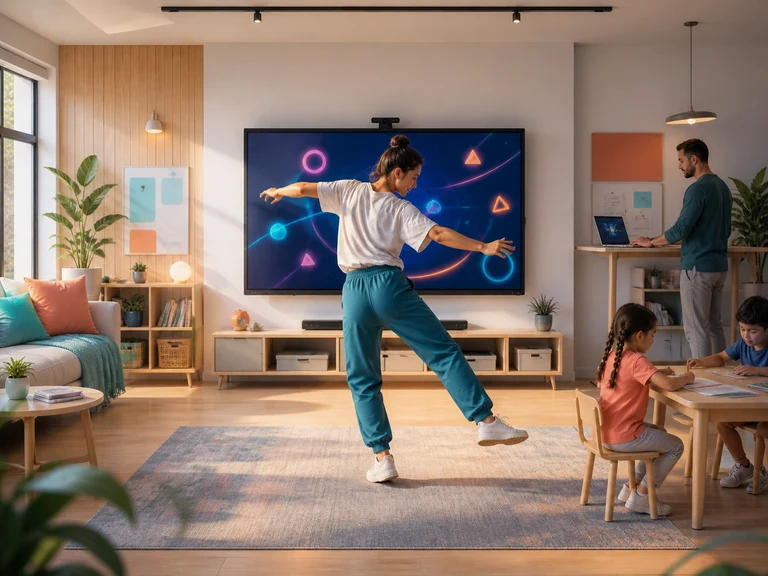
Creators, Streams, and Live Events session plans
Creators can use webcam-controlled games as a live segment, audience challenge, or transition between conversations. The game supplies a clear action loop while the creator supplies commentary, pacing, and community context.
Live programs need variety without unpredictable setup or long explanations. Audience participation must also respect venue space, broadcast timing, and the difference between volunteers and viewers who prefer to watch.
Choose the operating moment
Print the plan that fits the actual pressure
Livestream hosts
Livestream Audience Challenge Games
talk-heavy episodes need contrast without derailing the show rundownOpen run of show →Podcast membership community producers
Podcast Listener Aftershow Games
listeners know the hosts’ work but often leave without speaking to one anotherOpen run of show →Creator community organizers
Creator Meetup Icebreaker Games
attendees may recognize online identities but still find face-to-face introductions awkwardOpen run of show →Gaming channel hosts
Gaming Creator Motion-Game Segments
the audience expects gameplay depth but the episode still needs a simple setupOpen run of show →Dance and movement creators
Creator Pose-Challenge Games
complex routines exclude casual participants and consume rehearsal timeOpen run of show →Virtual convention producers
Virtual Convention Motion Breaks
long blocks of panels create screen fatigue and passive viewingOpen run of show →Book creators and hosts
Book Launch Interactive Games
the formal program can leave late arrivals or younger guests on the edgeOpen run of show →Music creators
Pre-Show Creator Motion Games
waiting for the main set can produce repetitive conversation and uncertain pacingOpen run of show →Community stream organizers
Charity Stream Motion Challenges
long broadcasts need self-contained segments that new viewers can enter midwayOpen run of show →Short-form video creators