Put audience movement into the program
Creators, Streams, and Live Events Use Cases
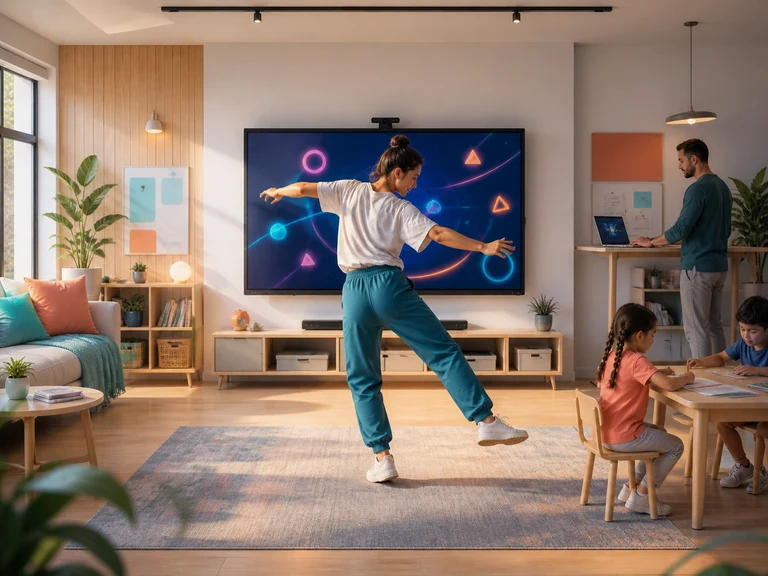
Creators can use webcam-controlled games as a live segment, audience challenge, or transition between conversations. The game supplies a clear action loop while the creator supplies commentary, pacing, and community context.
Live programs need variety without unpredictable setup or long explanations. Audience participation must also respect venue space, broadcast timing, and the difference between volunteers and viewers who prefer to watch.
Why motion works here
A visible action can create a more natural invitation
Short visual rounds are easy to commentate and can be scheduled between longer segments. Creators can rotate players, invite informal predictions, or compare attempts without claiming the games are custom productions.
Operating baseline: Test camera framing and screen capture before going live, keep music and game audio balanced, obtain participant consent for the broadcast, and prepare a non-participatory fallback for tight schedules.
Choose the real moment
Plans shaped around a specific audience and pressure
Livestream hosts
Livestream Audience Challenge Games
add a physical format viewers can understand immediatelyRead the playbook →02Podcast membership community producers
Podcast Listener Aftershow Games
help audience members meet after the formal recording has endedRead the playbook →03Creator community organizers
Creator Meetup Icebreaker Games
help followers and creators interact around a shared promptRead the playbook →04Gaming channel hosts
Gaming Creator Motion-Game Segments
vary the usual seated format with visible body controlRead the playbook →05Dance and movement creators
Creator Pose-Challenge Games
invite playful audience attempts without teaching full choreographyRead the playbook →06Virtual convention producers
Virtual Convention Motion Breaks
give remote attendees a scheduled active breakRead the playbook →07Book creators and hosts
Book Launch Interactive Games
add a light activity between readings and questionsRead the playbook →08Music creators
Pre-Show Creator Motion Games
give the broadcast a structured activity before performance timeRead the playbook →09Community stream organizers
Charity Stream Motion Challenges
rotate hosts through a visible shared challengeRead the playbook →10Short-form video creators
Short-Form Creator Live Games
turn familiar reaction content into participatory playRead the playbook →Planning for repeat use
Test the operating moment before choosing a plan
Creators with recurring streams or event series benefit from broader game rotation so challenge segments can change across episodes, guests, and venue constraints. Compare only the current published plan details, and do not assume commercial-use rights or services that are not explicitly described.
Browse the full game hub Compare current plans