01
Set the footprint
Mark and test the operating footprint. Use a compact mark outside server, tray, table, and order-collection paths. For this exact buffet or service queue, protect seating calls, food service, queues, and table turnover; BubbleMatch is first because its profile uses compact standing space with light movement.
02
Open the round
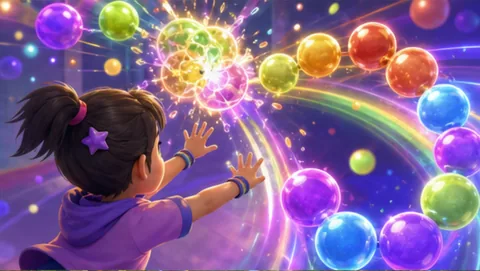
Rehearse the exact opening moment. At the buffet or service queue, the front-of-house host starts with BubbleMatch because service peaks create visible lines that can dominate the event atmosphere. The host demonstrates two-hand pointing and color matching, runs one bounded turn, and hands the station to the next participant so the program can give guests something to watch while flow stabilizes.
03
Guide the rotation
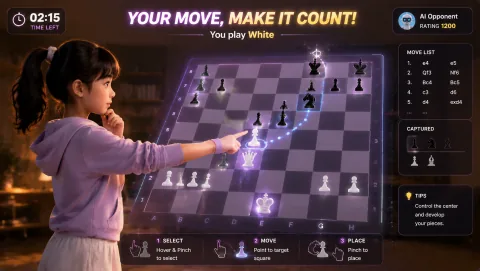
Assign and rehearse the operator sequence. For the buffet or service queue, the front-of-house host checks the camera mark, explains BubbleMatch's two-hand pointing and color matching, invites one voluntary turn, resets the result, and offers LaserEyes only while the flow remains clear enough to give guests something to watch while flow stabilizes.
04
Close or change course
Brief privacy and contingency choices before opening. Do not connect participation with reservations, orders, payment, or loyalty records. Before the first BubbleMatch turn in the buffet or service queue, state that choice and keep opt-out participation available for event catering teams. At the buffet or service queue, if service peaks create visible lines that can dominate the event atmosphere, clear the station immediately when service flow needs the floor; otherwise move from BubbleMatch to LaserEyes without expanding the marked footprint.