01
Set the footprint
Mark and test the operating footprint. Use a quiet marked spot clear of shelving, reading seats, and entrance circulation. For this exact library entrance zone, protect readers, shelving access, program arrivals, and low-noise use; LaserEyes is first because its profile uses seated or standing space with low movement.
02
Open the round
Rehearse the exact opening moment. At the library entrance zone, the library facilitator starts with LaserEyes because the station must remain contained and compatible with a quieter environment. The host demonstrates head-position aiming, runs one bounded turn, and hands the station to the next participant so the program can signal that the building supports active digital learning.
03
Guide the rotation
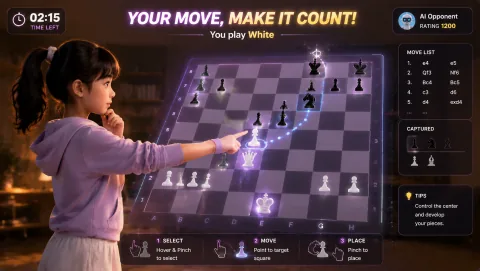
Assign and rehearse the operator sequence. For the library entrance zone, the library facilitator checks the camera mark, explains LaserEyes's head-position aiming, invites one voluntary turn, resets the result, and offers GestureChess when a quieter, slower hand-control challenge better fits the room.
04
Close or change course
Brief privacy and contingency choices before opening. Follow library photo and youth-consent rules; do not retain participant images or names. Before the first LaserEyes turn in the library entrance zone, state that choice and keep opt-out participation available for library experience teams. If the entrance needs to return to quiet circulation, switch to a seated strategy turn, a host demonstration, or a silent tabletop prompt; otherwise move from LaserEyes to GestureChess within the same compact footprint.