01
Set the footprint
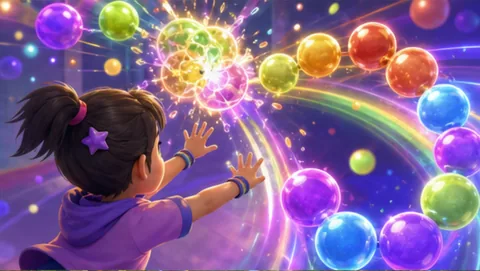
Mark and test the operating footprint. Mark one camera position away from furniture, doors, cables, queues, tools, food, and the main route through a short drop-in window connected to a graduation reception. LaserEyes comes first because its movement can be tested inside the real footprint while a one-sentence explanation and a visible result remains visible.
02
Open the round
Rehearse the exact opening moment. In a short drop-in window connected to a graduation reception, the host opens with LaserEyes because the event needs dignity, flow, and easy participation; people decide quickly whether an activity feels approachable. The host uses a one-sentence explanation and a visible result, gives one complete turn, and hands the result back to school celebration teams so the activity can give graduates and guests a shared activity between formal moments through give people an easy first turn. The operating angle is a polished short round that does not compete with the ceremony.
03
Guide the rotation
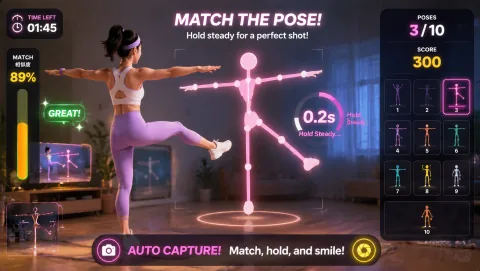
Assign and rehearse the operator sequence. The host names the first action in one sentence, demonstrates LaserEyes, invites a voluntary turn, waits for the result, and offers BubbleMatch only when the room still supports give graduates and guests a shared activity between formal moments through give people an easy first turn. Next: BubbleMatch or observe; mark the exit.
04
Close or change course
Brief privacy and contingency choices before opening. In a short drop-in window connected to a graduation reception, explain the webcam view before play and keep it separate from attendance, purchase, membership, student, health, or contact records. Do not record or share participant images by default; offer a no-camera or watching role to anyone who does not want to appear. If the event needs dignity, flow, and easy participation; people decide quickly whether an activity feels approachable, pause the station before it interferes with the main purpose of a short drop-in window connected to a graduation reception. Switch to BubbleMatch or a no-camera explanation, keep the same marked zone, and stop cleanly.