01
Set the footprint
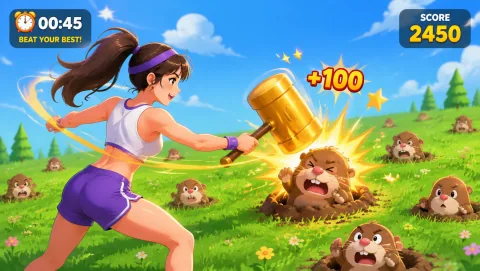
Mark and test the operating footprint. Use a supervised activity mark clear of registration, society tables, bags, refreshments, accessible routes, and the main welcome stage. WhackAMole is first only where its compact-to-medium standing footprint fits the orientation floor plan.
02
Open the round
Rehearse the exact opening moment. At the first-week student event, an orientation host starts with WhackAMole because large groups arrive without existing relationships and often cluster with people they already know. One familiar reach-to-hit round gives new students something shared to watch before introductions begin.
03
Guide the rotation
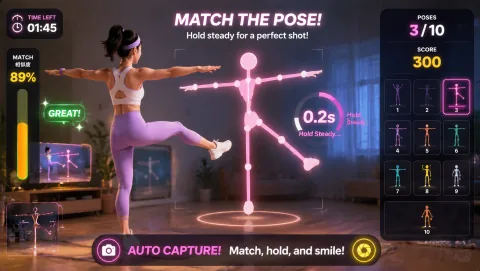
Assign and rehearse the operator sequence. The orientation host checks the camera mark, explains WhackAMole in one sentence, invites one voluntary turn, resets the result, and offers Reaction only during a scheduled challenge with enough clear floor and queue space.
04
Close or change course
Brief privacy and contingency choices before opening. Keep camera play separate from enrolment, attendance, student records, and society sign-ups. Explain the webcam interaction before play and make watching or walking past as normal as participating. If registration or welcome programming needs the space, close the station or use a host-led no-camera introduction prompt; otherwise move from WhackAMole to Reaction without expanding the marked footprint.